

AUTOMATED TAGGING, CLASSIFICATION AND AI FOR IMAGES
Consistent tags for every page, and alt text, focal point, description and tags for every image, generated on upload or on save. See it running on our Drupal AI demo site.
End manual tagging, keep the structure
- Content classification: a model reads the rendered page and picks up to five terms from your vocabulary, reusing existing terms and adding new ones only where nothing fits. Tags on demand with a button, or automatically on save.
- AI for images: alt text and a focal point suggestion with one click each; a description and tags written on save. A media library of hundreds of photographs becomes searchable and accessible without anyone typing.
- Ordinary fields, ordinary vocabularies: everything the model writes lands in standard Drupal fields and taxonomies, so editors can correct it and your related-content lists, filters and facets work as before.
Both run on aidemo.brainsum.com, our public Drupal AI demo site, each with a step-by-step walkthrough. They are editor-side features, so a login on the demo is needed to try them.
Tags for every page, generated from the text
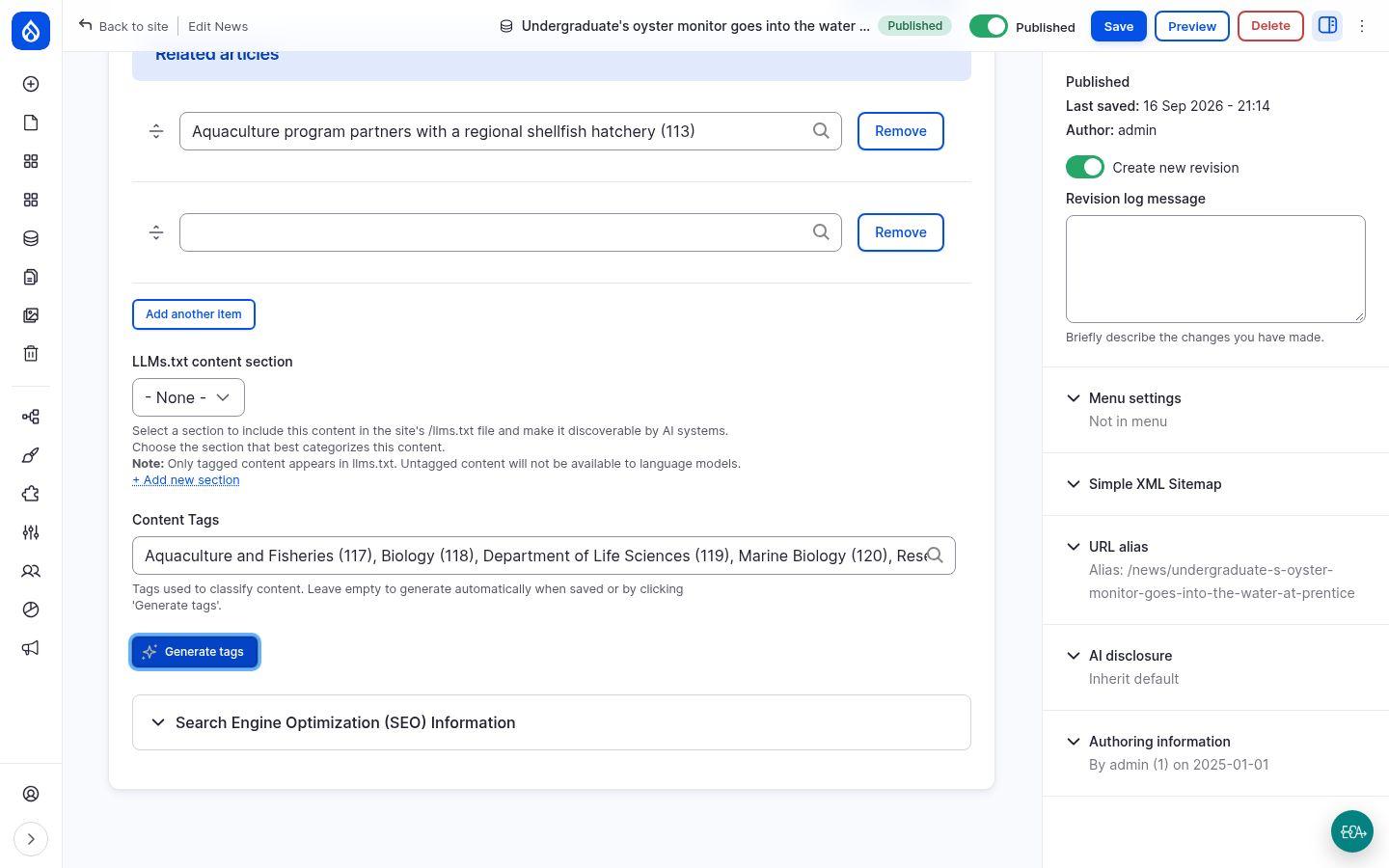
Every content type on the demo carries a Content Tags field that points at one shared vocabulary. Nobody has to fill it in: the model gets the page as a reader would see it, together with the terms already in the vocabulary, and answers with up to five. Terms that exist are reused, which is what keeps the classification consistent across news, courses, programs and pages; new ones are created on the spot.
Editors can ask for tags with a Generate tags button while writing, and any page saved with the field empty is tagged on the way to the database. The tags are ordinary values in an ordinary field: remove one, type another, run the button again.
A vocabulary you still own
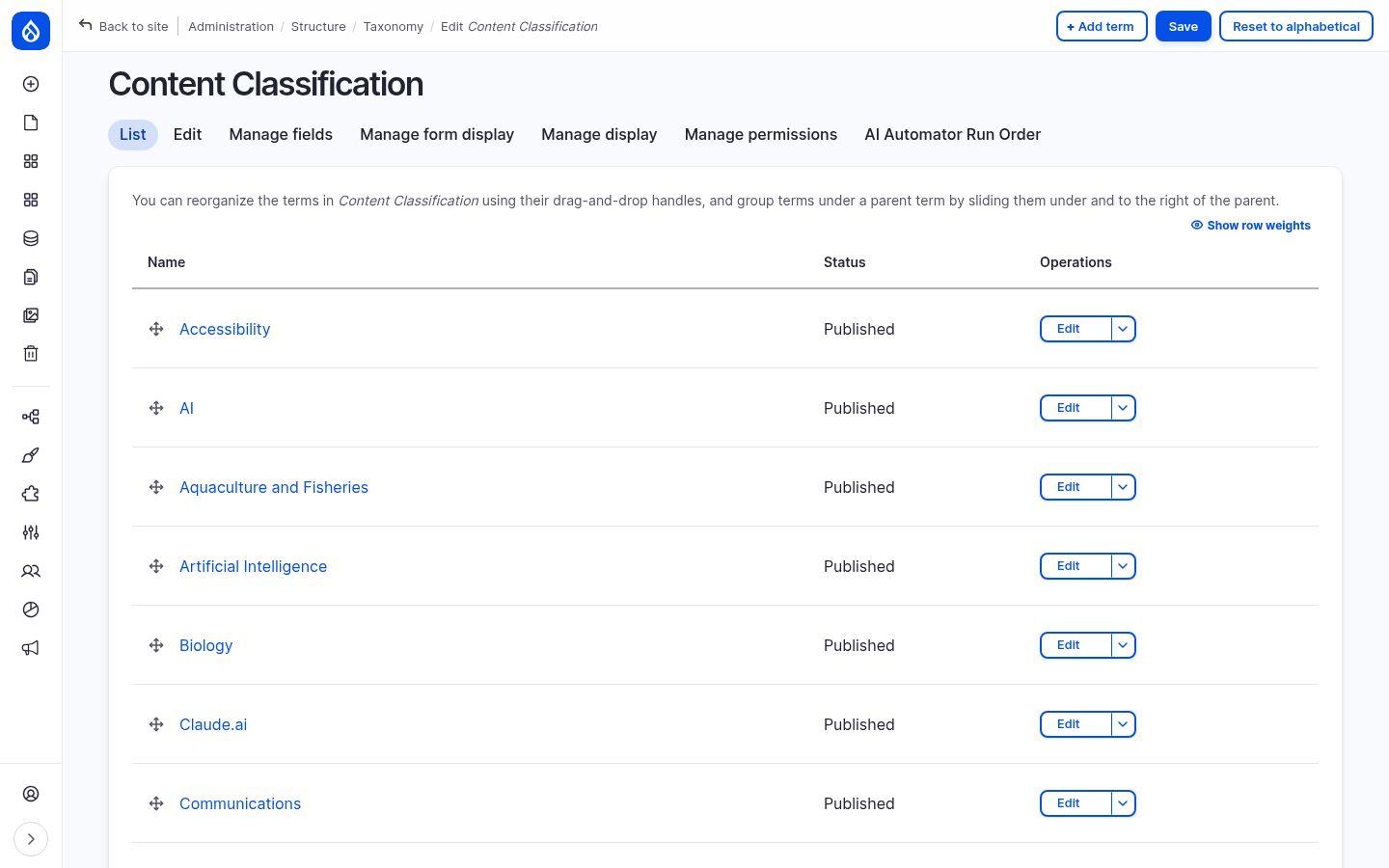
The result is a normal taxonomy. Rename a term, merge two, delete the ones you do not want; the model only sees the current list when it picks tags, so pruning the vocabulary steers future classification. Each term has its own page listing the content tagged with it, ready for related-content lists, filters and search facets.
The behaviour is an AI automator on the field, listed in the content type's run order next to the other automators. The prompt, the number of tags and the source of the text are settings; change them and the next save uses them.
Alt text and focal point with one click each
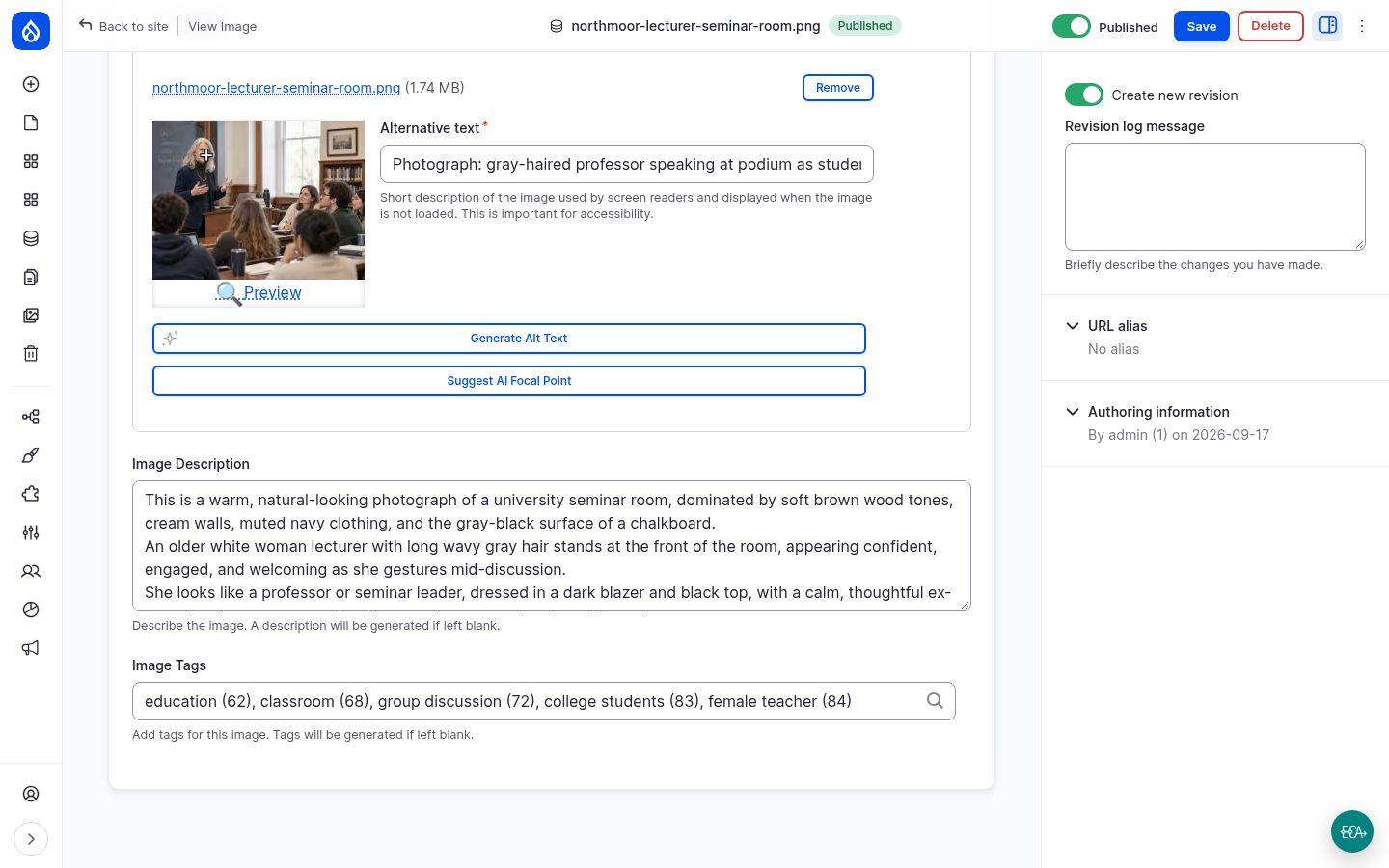
Alternative text is required for every image, and normally an editor writes it. On the demo, Generate Alt Text asks a vision model instead: a short description under 100 characters, in the language of the media item, marked as a photograph, editable like any text box.
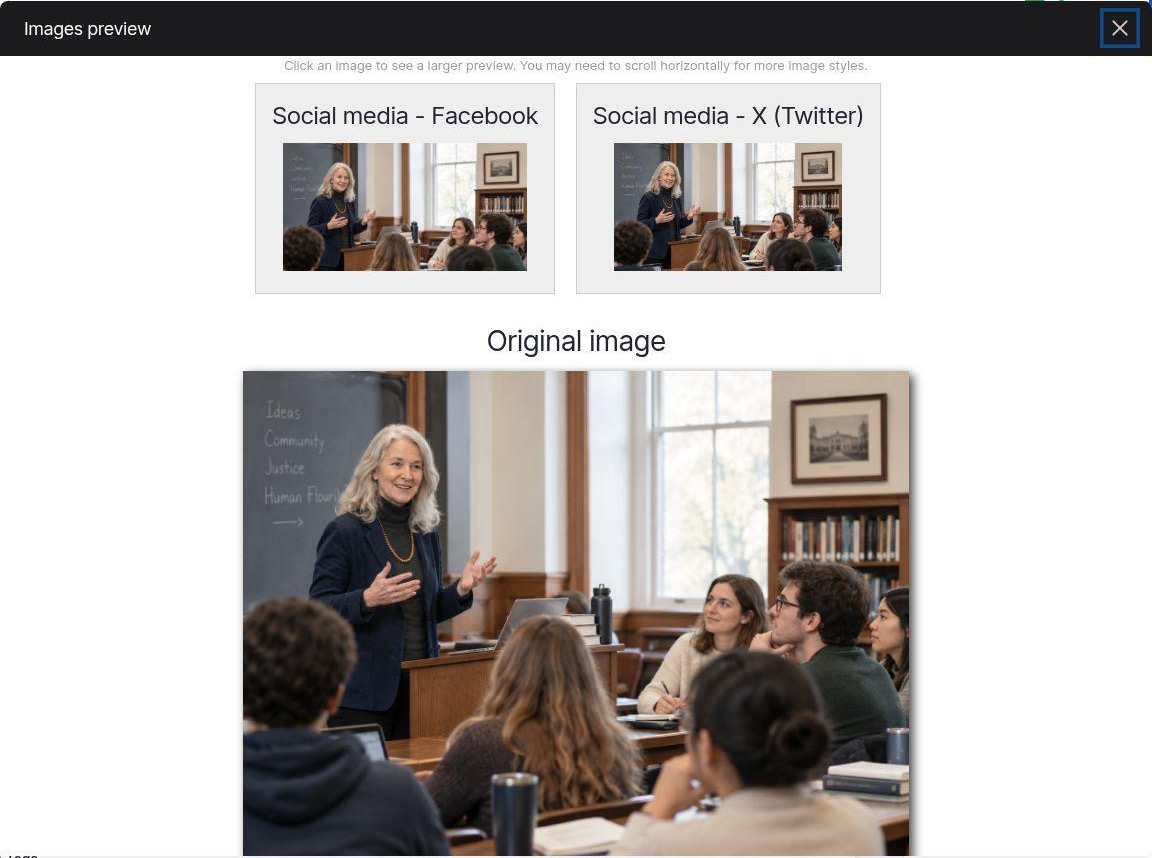
The focal point is the spot every cropped version of the image is built around. It starts in the centre, which would crop a person standing off-centre out of a wide banner. Suggest AI Focal Point moves the crosshair onto the subject, and the preview shows every social-sharing crop keeping the person in frame. Drag it yourself if you disagree.
Description and tags written on save
Leave the description and tags empty and save. Two more calls to the vision model happen before the form returns: the description holds several sentences on what the photograph shows, the setting, the colours, the people and their expression, and the tags hold up to five terms from the image vocabulary, created where none fit. The media list can then be filtered by tag, and the description feeds search.
The same automators attach to any image field, so an existing library can be processed in bulk, and the prompts can be tuned to your house style for alt text.
How it works, and why it stays yours
- AI automators on fields. Each behaviour is an automator attached to a field: it has a prompt, a source (the rendered page, a file, another field) and a run order. Site builders configure them in the UI; no custom code.
- Standard taxonomy and media. Tags are terms in vocabularies you manage; alt text, descriptions and focal points are the fields your theme already uses. Nothing is locked inside the AI feature.
- Text and vision models. Classification uses a chat model; images use a vision-capable model. Drupal AI integrates 48 providers, among them OpenAI, Anthropic, Google Gemini, Mistral, AWS Bedrock and Azure, as well as local models through Ollama or LM Studio for content that must not leave your infrastructure.
- Safe by default. Image uploads can be validated against your publication rules before they are saved, every request is logged and token costs are metered per user. See our responsible AI page.
See it on the demo, then talk to us
Sign in to the demo site, upload a photograph and watch the alt text, focal point, description and tags appear, then tell us which vocabularies and image fields you want covered. We start from your existing taxonomy and media library.